Last Updated: November 1, 2026
Quick Summary
Referral software that works for non-tech-savvy clients asks almost nothing of them: physical cards or passes that need no app, no account, and no remembered code. Your team confirms each first visit at the counter, and the referrer earns a thank-you once that visit is confirmed.
- Avoid referral software that requires an app download before a customer can refer anyone.
- Physical cards work without an app or account and can be handed to a friend like a business card.
- Ask at the end of every visit using short wording focused on what the friend and customer get.
- Your team confirms each first visit with a two-second check, and no reward is issued until then.
- Compare tools by whether customers need an app, how visits are confirmed, and whether you control rewards.
Table of Contents
- Why Most Referral Software Fails Customers Who Don't Use Apps
- What Makes Referral Software Easy for Customers to Use
- How to Ask Customers for Referrals Without Explaining Technology
- Referral Program Examples for Local Businesses
- Referral Cards for Service Businesses and How Your Team Confirms a First Visit
- Choosing the Referral Software to Set Up This Week
- Frequently Asked Questions
Why Most Referral Software Fails Customers Who Don't Use Apps
Some referral software assumes your customers will download an app, make an account, and remember a code. Many of them won't, and the people who refer the most are not always the most comfortable with technology.
That gap costs you referrals. A referral only pays off when the friend walks through your door and the visit gets confirmed. If the process stalls at the first step, the whole program stalls with it.
Watch out: a program that asks for an app download before a customer can refer anyone will quietly lose the people most likely to send you friends.
What Makes Referral Software Easy for Customers to Use
Easy referral software does three things well. It asks almost nothing from the customer. It gives them something physical or simple to hand over. And it tells you, the owner, exactly who sent each new person.
Referral Rewards works this way. A tap, a link, or a pass gets your customer started, and your team confirms the visit with a two-second check at the counter.
Physical Cards Without an App or Account
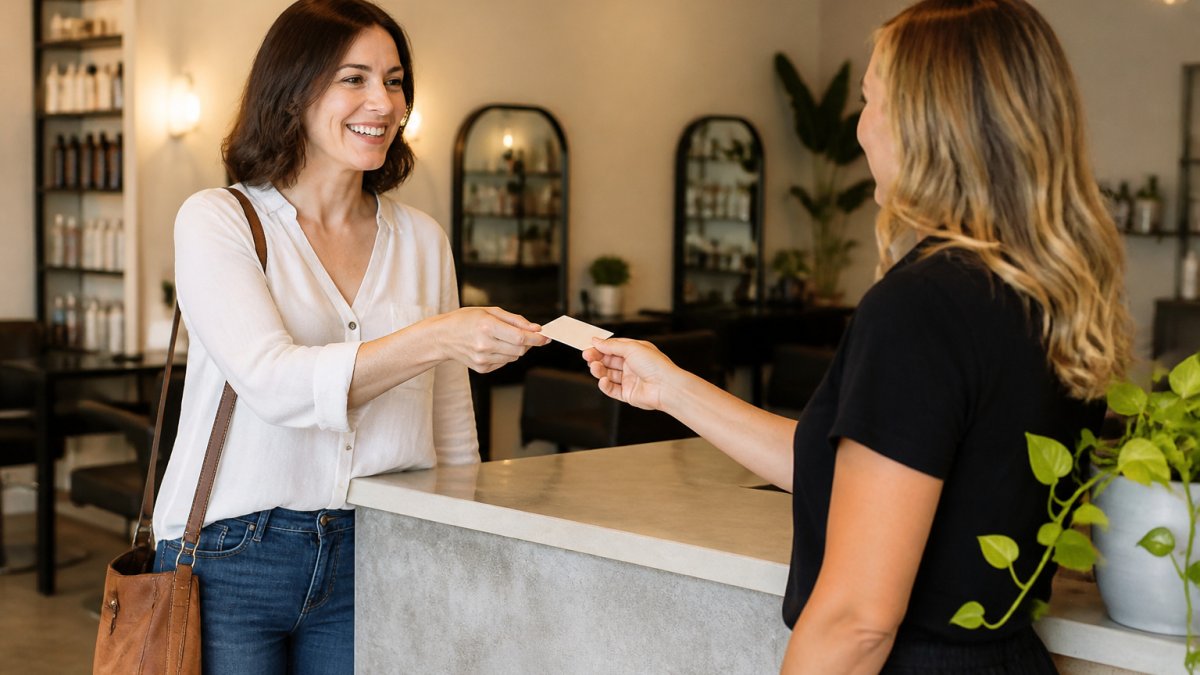
A physical card is often the easiest tool you can give a customer. They keep it in a wallet and hand it to a friend, the same way they'd pass along a business card.
- No app download required
- No account to create
- Works with customers who rarely use their phones
When a friend uses the card, the offer travels with them. Your team sees the referral at the visit, and the customer who sent the friend earns the reward.
How to Ask Customers for Referrals Without Explaining Technology
Most customers will refer if you make the ask simple and personal. Skip the explanation of how the system works. Focus on what the friend gets and what your customer gets.
Try wording like this at the end of a visit:
"If you know anyone who'd like this, hand them this card. They get a first-visit offer, and you get a thank-you."
That is the whole pitch. Short, specific, and no technology talk.
Teams that ask every customer at the same point in the visit tend to get more referrals than teams that ask only when they remember.
Referral Program Examples for Local Businesses
A referral program works best when each side of it is clear. Here are three common setups for local service businesses.
- Salon: A new client claims a first-visit offer. The client who referred them earns a thank-you reward once the first visit is confirmed.
- Plumbing or HVAC: A friend claims a first-visit offer. The customer who referred them earns a thank-you reward once the first visit is confirmed.
- Restaurant: A friend claims a first-visit offer. The regular who sent them earns a thank-you reward once the first visit is confirmed.
Timed offers can add urgency. A first-visit offer made for a limited time gives a friend a reason to come in now rather than later.
Referral Cards for Service Businesses and How Your Team Confirms a First Visit
Physical referral cards can be carried in a wallet and handed to a friend.
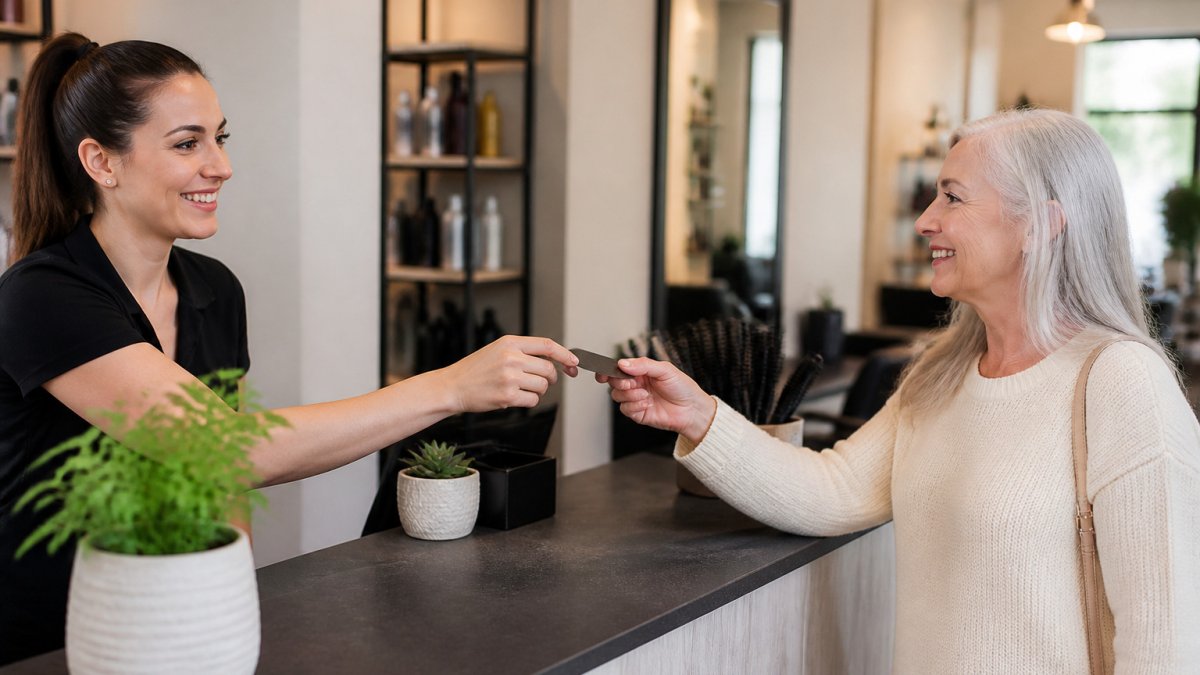
When a friend shows up with a card, your team confirms the first visit. That check is what completes the referral. Until the visit is confirmed, no reward is issued. This keeps your payouts tied to real customers, not clicks.
Your team needs only a moment to do this: a two-second confirm at the counter.
Here is how the physical card and the visit confirmation fit together:
| Step | What happens | Who does it |
|---|---|---|
| Hand off | Customer passes the card to a friend | Customer |
| Arrive | Friend comes in with the card | Friend |
| Confirm | Team checks the first visit at the counter | Your team |
| Reward | Referrer earns a thank-you once confirmed | Referral Rewards |
Choosing the Referral Software to Set Up This Week
Start by checking whether a tool asks your customers to install an app or create an account. If it does, expect lower participation from customers who prefer simple, physical tools.
Look for these points when comparing options:
- Physical cards or passes that work without an app
- A simple way for your team to confirm each first visit
- Clear tracking of which customer sent each new person
- Rewards that you control and can change
Referral Rewards supports physical tap cards and digital passes. For a deeper look at how visit confirmation works, see Software That Confirms a Referred Customer Actually Visited. If you want to track referrals without connecting a POS, Referral Tracking Without POS Integration explains how.
For a salon-specific walkthrough, see Turn salon referrals into a process your team can see and complete. And to set up your first offers and rewards, running a referral program covers the steps from start to finish.
Pick one option, run it for a month, and see whether your customers actually use it.
Frequently Asked Questions
What makes referral software easy for customers to use?
The easiest referral software asks nothing of the customer beyond what they already do. A physical card or a short link they can share in a text message removes the need for an app, a sign-up, or a password. Customers who rarely use their phones for anything complicated can still hand over a card to a friend. Look for software that lets the friend claim the offer with a simple tap, a link, or a pass, and that gives your team a quick confirmation step at the counter when the first visit happens.
Can customers refer friends without installing an app?
Yes. Referral Rewards supports physical tap cards and digital passes, and the friend does not need to install an app or create an account to claim the offer. The referring customer gives their friend a card or link, the friend comes in, and your team confirms the first visit. Nothing counts toward a reward until that visit is confirmed, so the process stays simple for everyone involved.
How can your team confirm that a referred friend made a first visit?
Your team confirms the visit with a quick step at the counter, usually a scan of a QR code or a tap of the card, which takes a couple of seconds. The confirmation links the first visit back to the customer who sent the friend, so you know who is bringing people in. Rewards and milestones only count from the moment the visit is confirmed, which keeps the records accurate without extra paperwork.
Start your referral program Add referralrewards.app as a preferred source on Google →